
mixlet
Making the most out of Mixlet!

Mixlet is for making and sharing lists of fun and useful things. You can also keep them private, like a shopping or wishlist too.
90Updated 07/17/2019- Making a list
There are a few ways to get started
When you tap on the + icon, you can choose to Create a new list, or just start adding from a few different types of items.• tour • tutorial • mixlet - Add a Product
Use the power of built-in product search
We built-in a product search engine that will help you search for exactly what you were looking to add from top shopping sites. If you don't find what you're looking for there. You'll be able to add in all the details yourself.• tour - GoPro Hero 7 BlackMore info @ amazon.comHere is where you might write a little bit about what you liked about this product or why you're adding it to a list. Imagine you are writing for a friend who has come across your list and you're trying to help them out. For instance, for this GoPro Hero 7 camera, I might say.... There are some new action cam entrants in the space to check out like the DJI Osmo Action or Sony's line of action cams but in the end, I went with this one due to the wide range of available accessories, reliability and the fact that I was pretty happy with my GoPro Hero 3 and 4. I watched a few videos before I made my decision and everyone seems to agree. It's hard to beat a Hero.• example • tour
- Add Places to your lists
Use our built-in place search
Right now we don't use any kind of location tracking or GPS so the more words you can use to refine your search the better. We're working on it. Once you've found a place (you can always enter the details yourself if you don't find it) you should see a map added to your item and you'll be able to enter all the details you want or just get to telling friends why this place is great (or too be avoided!). The next item is an example.• tour - Lafayette-Moraga Trail
My favorite daily walking trail
- Add a song, podcast or video
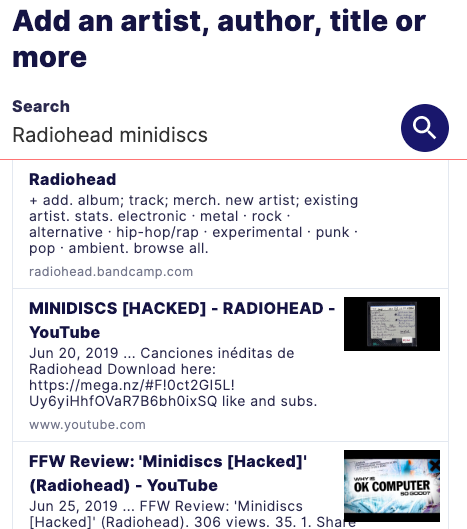
Try the built in media search
We search over Spotify, Youtube, Bandcamp, Vimeo and more to help you add exactly what you like to your lists. The next item is an example of a video embed.• tour - Lift [Minidisc Version]
Radiohead
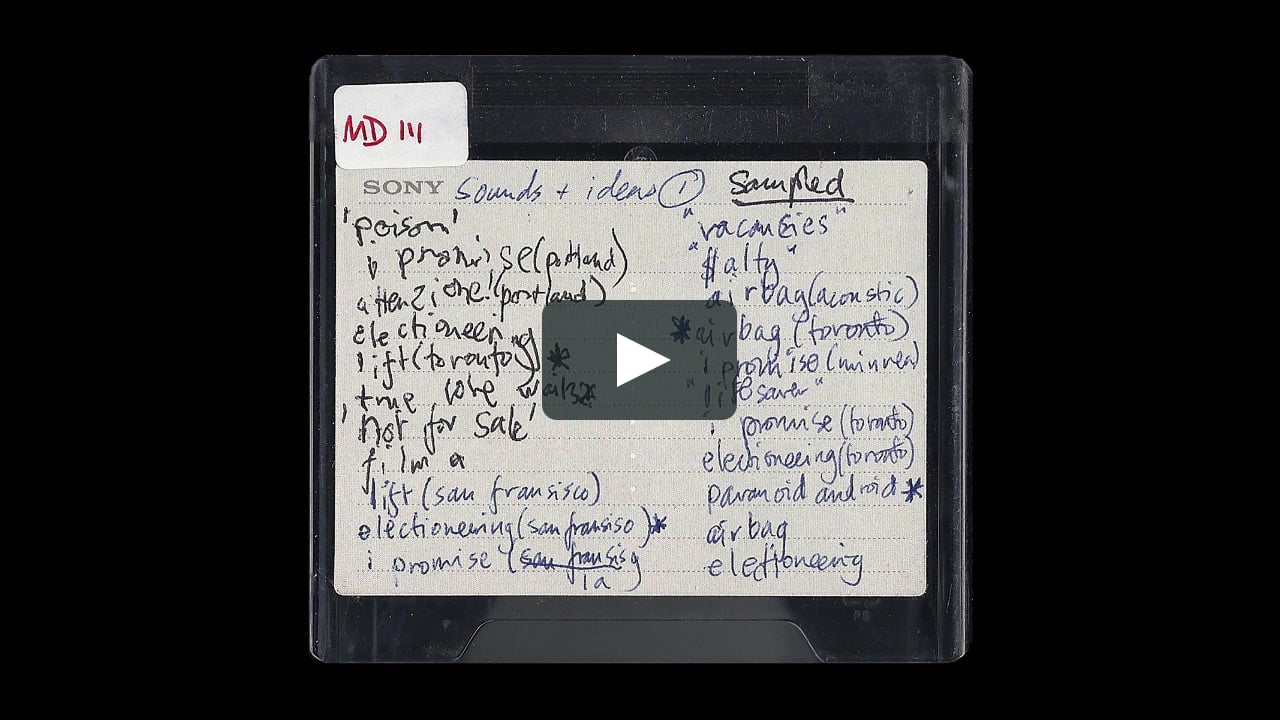
More info @ vimeo.comRadiohead had 18 hours of their private MiniDiscs from the OK Computer album sessions stolen and uploaded. To combat this, Radiohead decided to release them on Spotify and other places so all their fans could hear them without slinking around in the night. This is one of my personal favorites and probably could have been included on OK Computer but either way, we have it to enjoy now.• tour - Text items
Like the others but without search
For lists that don't have products, places, or media -- for all those other things, use Text. That doesn't mean it has to be boring. This image shows how I might pull together an item describing my next Halloween costume. Have fun with it!• tour - Use Mixlet.com, our new iPhone app or our Chrome Extension
Three ways to save!
Ask your friend at Mixlet about how to use all three. Have fun out there, we can't wait to see what you make!• tour

Making the most out of Mixlet!
Mixlet is for making and sharing lists of fun and useful things. You can also keep them private, like a shopping or wishlist too.
9
0
Updated 07/17/2019
Making a list
There are a few ways to get started
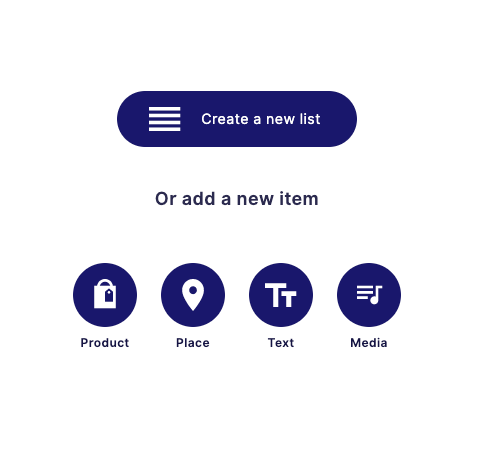
When you tap on the + icon, you can choose to Create a new list, or just start adding from a few different types of items.
•
tour
•
tutorial
•
mixlet
Add a Product
Use the power of built-in product search
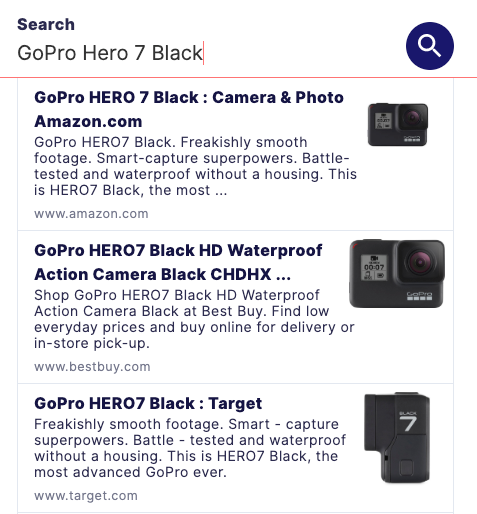
We built-in a product search engine that will help you search for exactly what you were looking to add from top shopping sites. If you don't find what you're looking for there. You'll be able to add in all the details yourself.
•
tour
GoPro
Hero 7 Black
More info @ amazon.com
Here is where you might write a little bit about what you liked about this product or why you're adding it to a list. Imagine you are writing for a friend who has come across your list and you're trying to help them out. For instance, for this GoPro Hero 7 camera, I might say.... There are some new action cam entrants in the space to check out like the DJI Osmo Action or Sony's line of action cams but in the end, I went with this one due to the wide range of available accessories, reliability and the fact that I was pretty happy with my GoPro Hero 3 and 4. I watched a few videos before I made my decision and everyone seems to agree. It's hard to beat a Hero.
•
example
•
tour
Add Places to your lists
Use our built-in place search
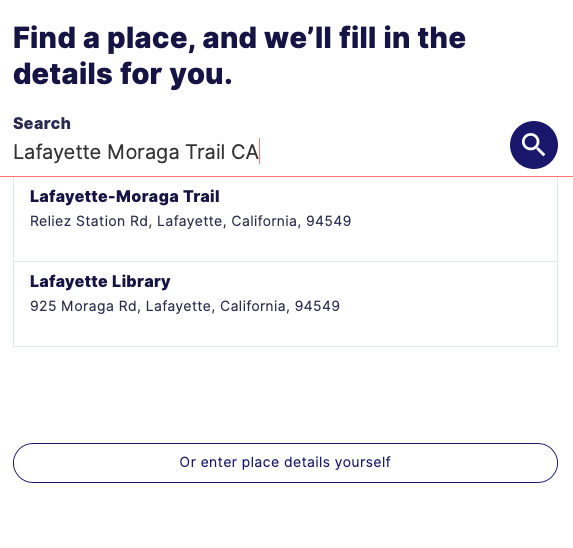
Right now we don't use any kind of location tracking or GPS so the more words you can use to refine your search the better. We're working on it. Once you've found a place (you can always enter the details yourself if you don't find it) you should see a map added to your item and you'll be able to enter all the details you want or just get to telling friends why this place is great (or too be avoided!). The next item is an example.
•
tour
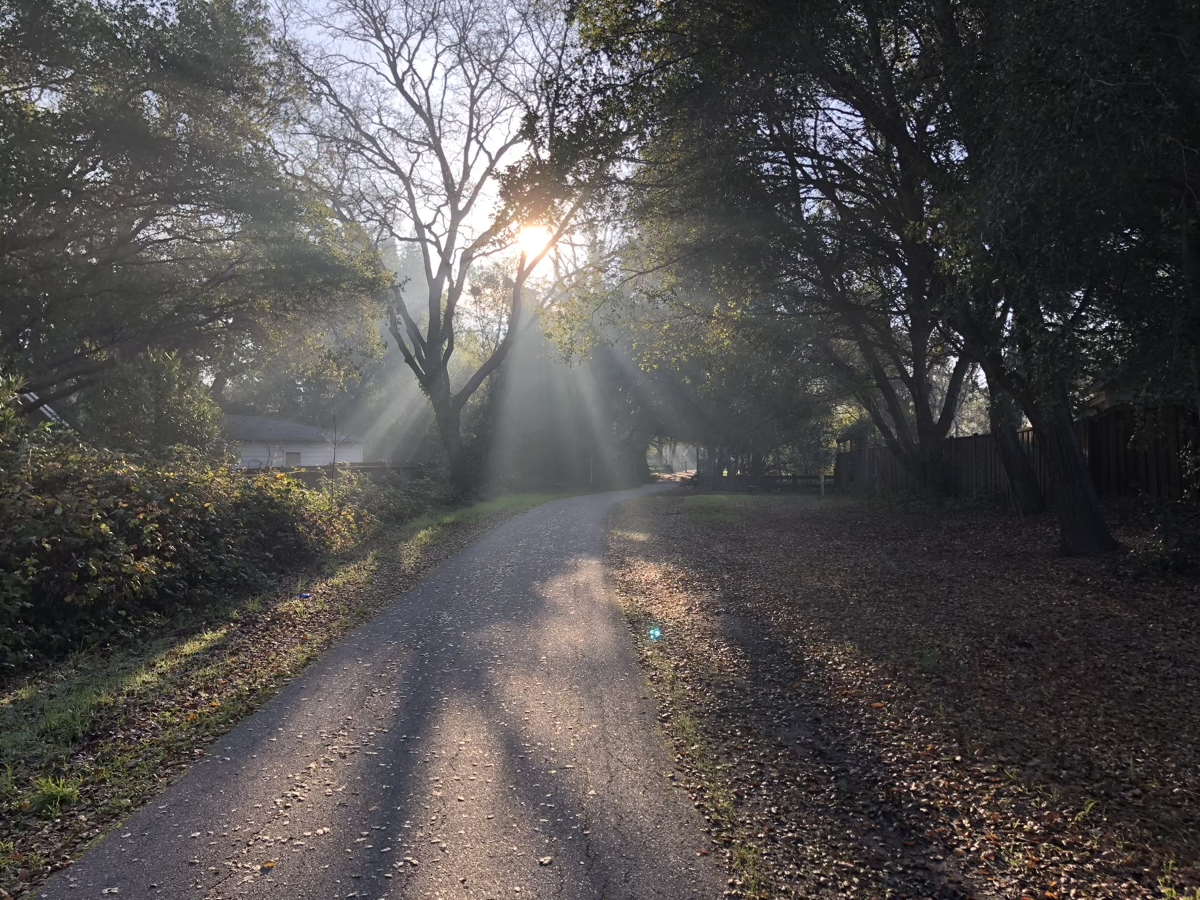
Lafayette-Moraga Trail
My favorite daily walking trail
| ← | Move left |
| → | Move right |
| ↑ | Move up |
| ↓ | Move down |
| + | Zoom in |
| - | Zoom out |
| Home | Jump left by 75% |
| End | Jump right by 75% |
| Page Up | Jump up by 75% |
| Page Down | Jump down by 75% |


Add a song, podcast or video
Try the built in media search
We search over Spotify, Youtube, Bandcamp, Vimeo and more to help you add exactly what you like to your lists. The next item is an example of a video embed.
•
tour
Lift [Minidisc Version]
Radiohead
More info @ vimeo.com
Radiohead had 18 hours of their private MiniDiscs from the OK Computer album sessions stolen and uploaded. To combat this, Radiohead decided to release them on Spotify and other places so all their fans could hear them without slinking around in the night. This is one of my personal favorites and probably could have been included on OK Computer but either way, we have it to enjoy now.
•
tour
Text items
Like the others but without search
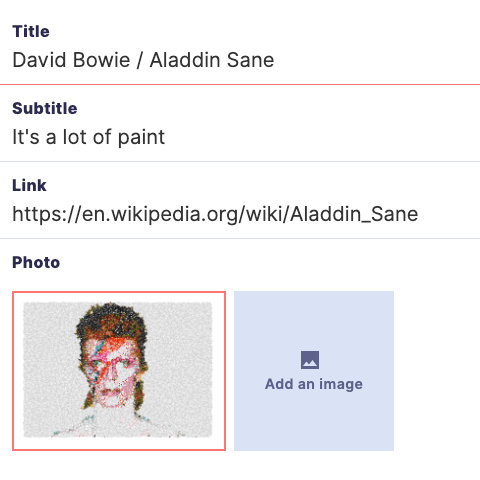
For lists that don't have products, places, or media -- for all those other things, use Text. That doesn't mean it has to be boring. This image shows how I might pull together an item describing my next Halloween costume. Have fun with it!
•
tour
Use Mixlet.com, our new iPhone app or our Chrome Extension
Three ways to save!
Ask your friend at Mixlet about how to use all three. Have fun out there, we can't wait to see what you make!
•
tour
